Inside Fond
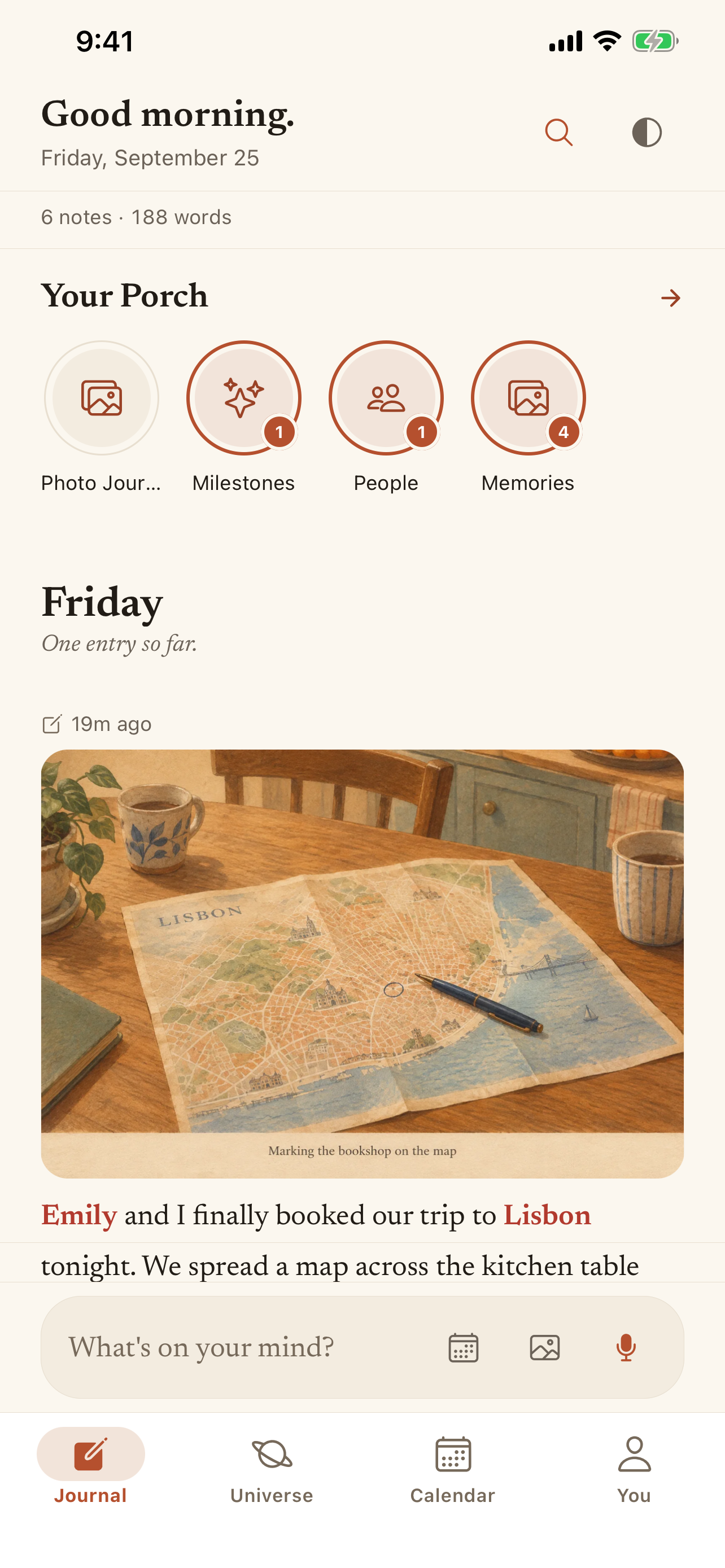
One journal.
Many ways back.
Capture a moment in your own words. Find the detail, revisit the scene, or follow the story it becomes.
One journal. Different ways to return.
Voice journal
Keep the thought while it is still fresh.
Say a moment aloud or type it into Fond. Review the transcription, then return to your saved words whenever you want.
Start a voice journalStart with one sentence. You can edit what the transcription heard.
Ask Fond
Remember the moment. Ask for the detail.
Ask a question about something you saved in Fond. Follow the answer back to the original journal entries and check the details.
Find memories with Ask FondAsk works from saved entries. AI answers can be incomplete or mistaken.
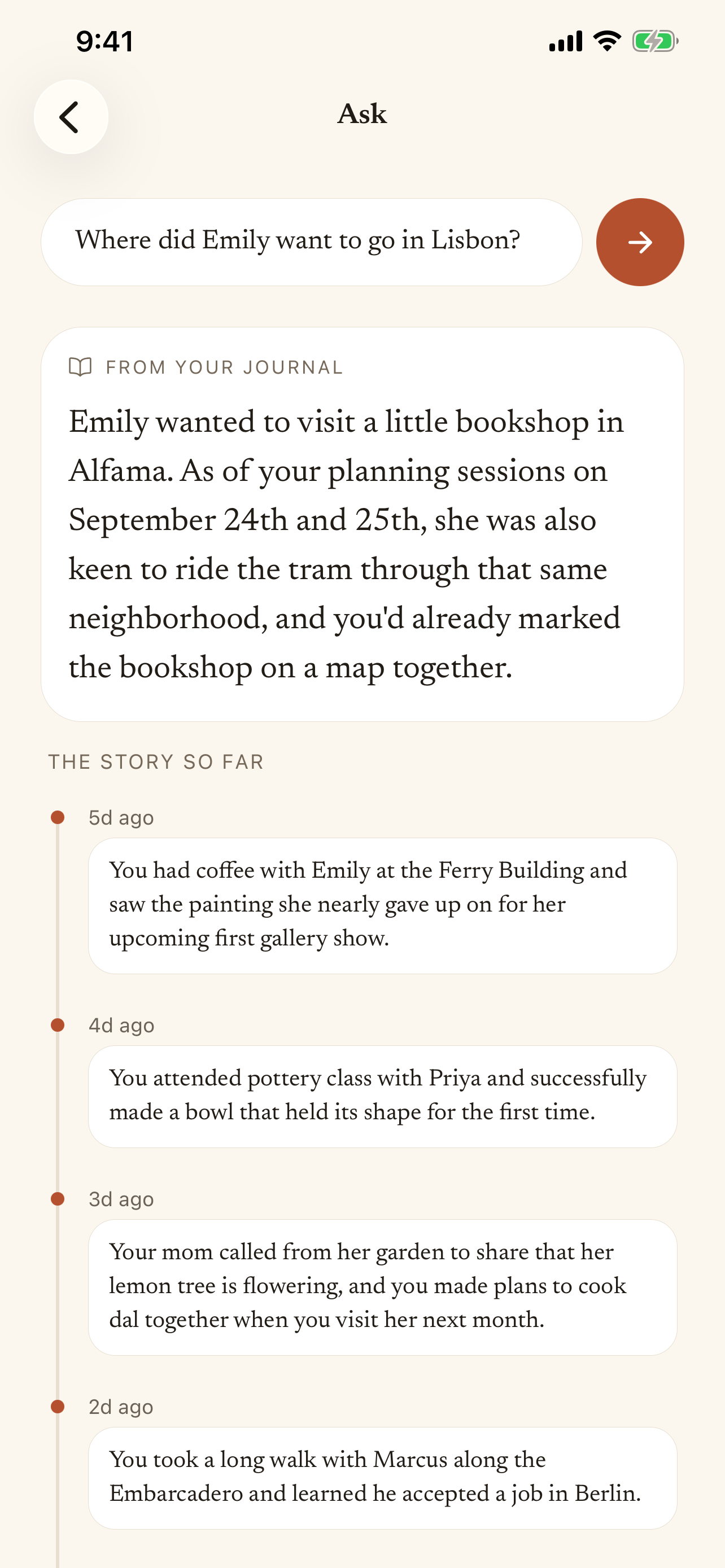
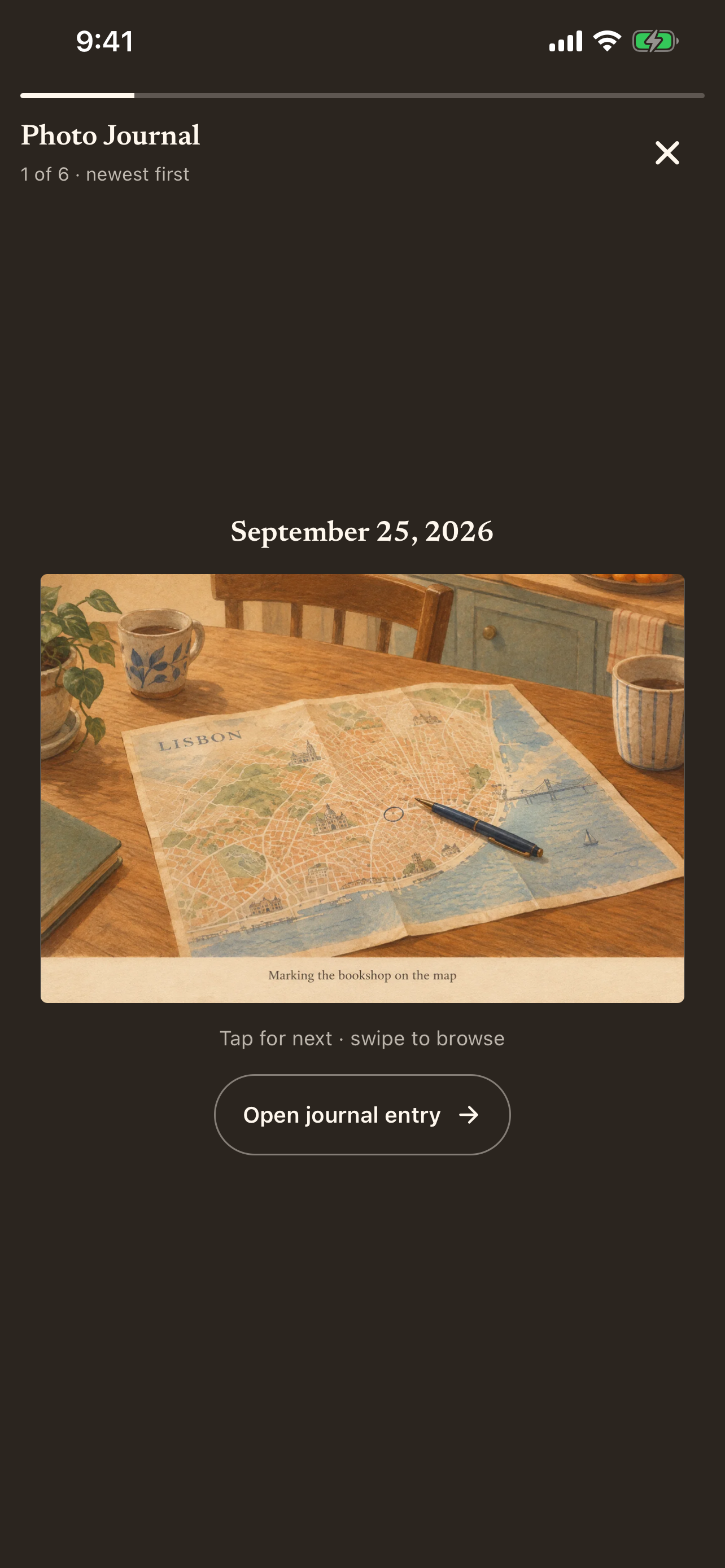
Photo Journal
Give a saved moment a visual place to return to.
Fond can add an AI illustration to an eligible new entry. Photo Journal gathers eligible artwork into a visual way to revisit your moments.
Explore Photo JournalIllustrations are generated interpretations, not photographs. Not every entry receives artwork.
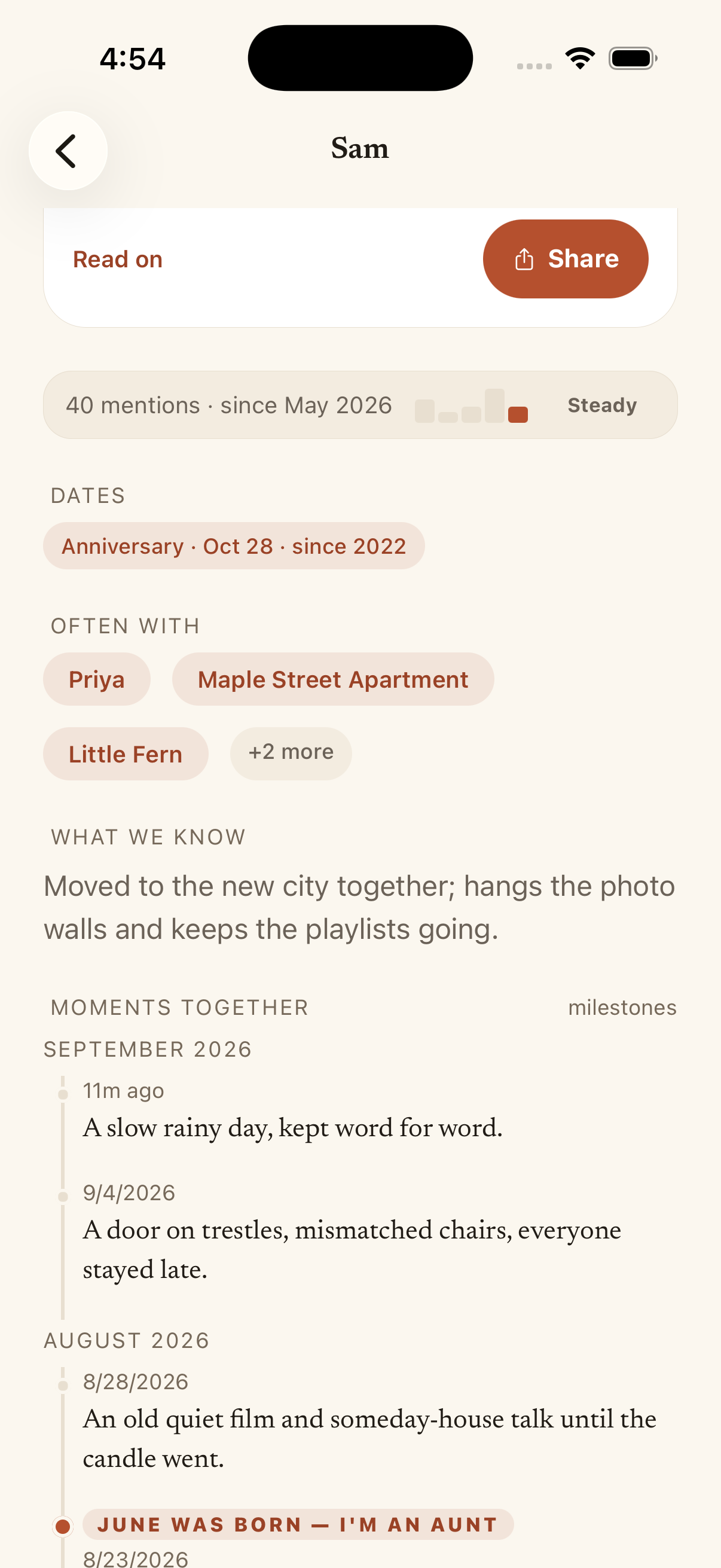
People & places
Keep the moments around the people who matter.
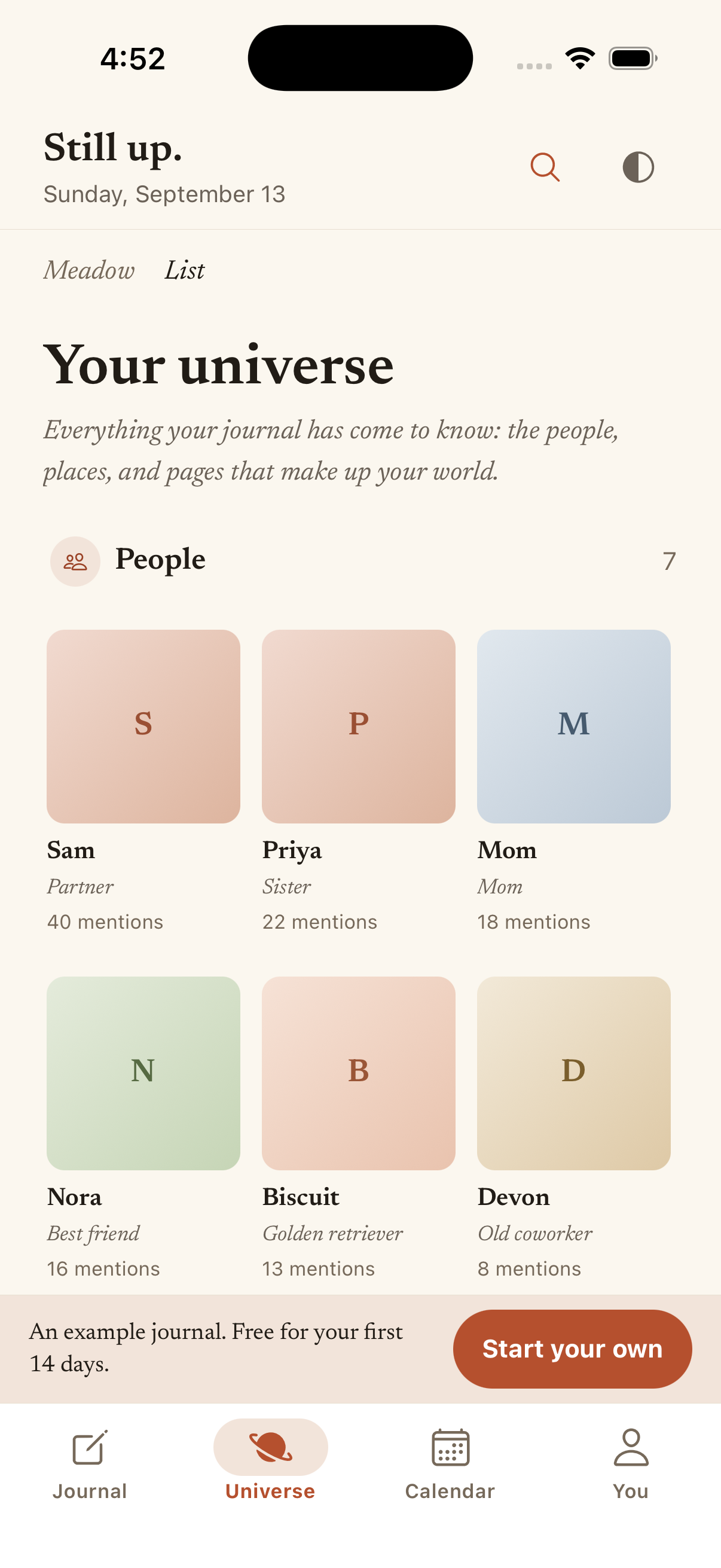
Fond connects the people and places mentioned in your entries so you can revisit their part in your everyday life.
Explore people and placesConnections depend on what you save. Check names and details in your entries.
Chapters
See the story across your entries.
As your journal grows, Chapters can bring related entries into a longer narrative. Return to the moments behind the story.
Discover ChaptersChapters need enough suitable saved content. They are not promised after a first entry.